No more console exports
Reports refresh on schedule from the Amazon Ads API, not from downloads.
Amazon Ads reporting
We pull Sponsored Products, Sponsored Brands, Sponsored Display, Amazon DSP and AMC data through the Amazon Ads API into your warehouse, join it to SP-API sales, and build the Amazon Ads dashboard in Looker Studio, Power BI or Tableau. Reports refresh on schedule, and agencies get a white-label view for every client.
What you get
Reports refresh on schedule from the Amazon Ads API, not from downloads.
Defined once in dbt, so every view reads the same numbers.
Row-level access for agencies, with white-label styling.
Full history in Snowflake, BigQuery or Redshift, not in a connector's cache.
The problem
The Ads console reports one advertiser profile at a time, with its own attribution windows, and it doesn't know your real sales, fees or margin. Connector tools pull some of it into Looker Studio or Power BI, but they often struggle with restatements, mixed currencies and DSP, and they rarely keep full history. Agencies end up exporting CSVs for each client and stitching them together every week.
Connector or warehouse
A connector that pipes Amazon Ads straight into Looker Studio or Power BI is fine for one account and a few charts. It gets harder with many profiles, DSP, AMC, restated conversions and long date ranges, because every chart calls the source again and the history lives in someone else's system. A warehouse keeps the raw Amazon data you own, applies attribution windows and currency rules once, and lets every dashboard load from tested tables.
The Amazon Ads reports we pull
How we work
Agree the metrics and views first: which accounts, which KPIs, and which audience sees what
Connect the Amazon Ads API and SP-API for every profile and marketplace, re-pulling the restatement window on each run
Model ROAS, TACoS and new-to-brand in dbt with tests, then build the first dashboard and check it against the console
Roll out to the remaining accounts, schedule the reports and hand over the models
What we use
Related work

We rebuilt the ETL, warehouse and automation layer across Amazon, Walmart, TikTok, Instacart and Criteo.
Read the case study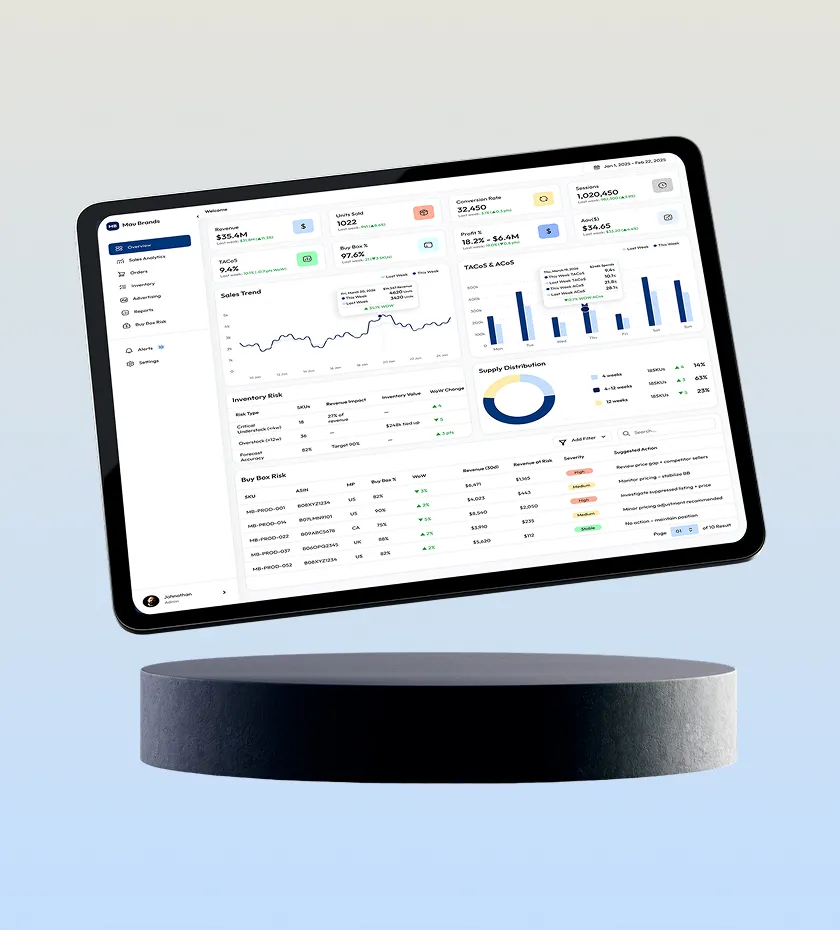
We built Mau Brands' Amazon analytics platform: sales, inventory, ads and pricing in one view.
Read the case study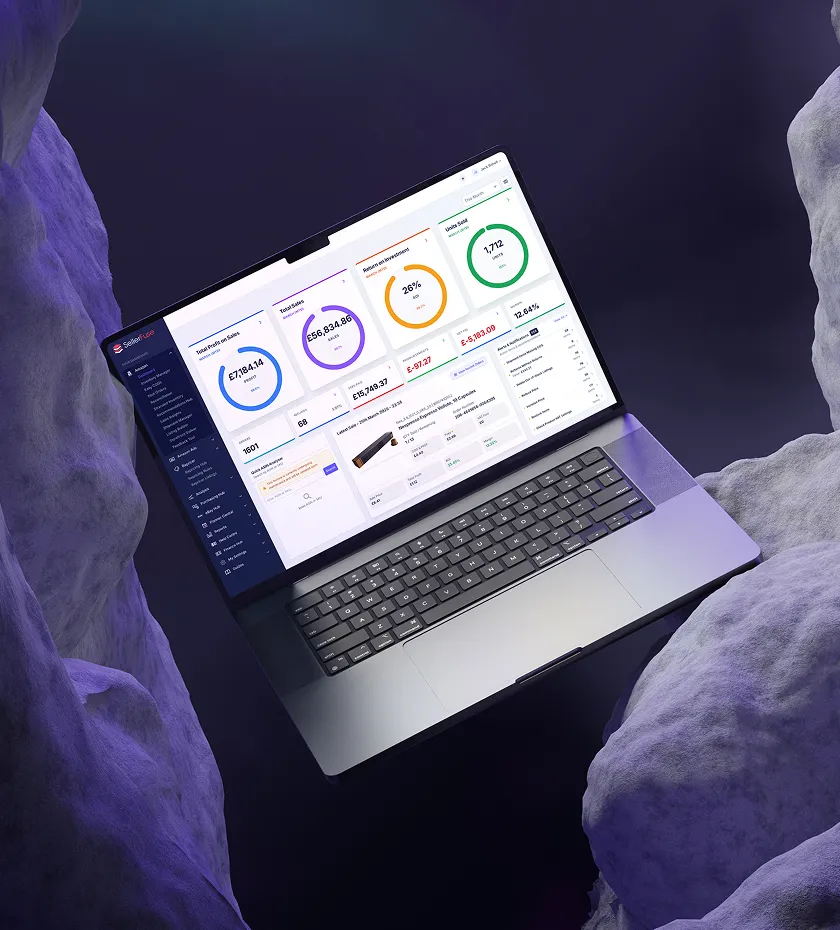
We built the SP-API and Ads API pipelines, live dashboards and automation behind SellerFuse.
Read the case studyFAQ
Yes. Both work well once the Amazon data sits in a warehouse. We build in the tool your team already uses, whether that's Looker Studio, Power BI, Looker or Tableau, so your analysts can edit it after handover.
Sponsored Products, Sponsored Brands and Sponsored Display performance, search terms and placements, Amazon DSP campaigns, and AMC query results if you use AMC. SP-API sales, inventory and fees can be joined in for TACoS and profit views.
Amazon keeps updating attributed sales for recent days. We re-pull the recent window on every run so numbers settle to match Amazon's, and show an as-of time on each view so a small difference from the console is explained.
Yes. Row-level security scopes each client to their own profiles, with your branding on the dashboard and on the scheduled reports. Our white-label PPC reporting page covers the agency setup.
Only where a connector stops being enough. If one covers your needs, keep it. When you need DSP, AMC, many profiles or full history, a warehouse pipeline is the sturdier option, and we plan the switch so reports don't go dark during the move.
Go deeper
Guide
SP-API and the Amazon Ads API cover completely different data and have different rate limits, auth flows, and report models. Here's how to think about integrating both.
Read the guideGuide
Amazon Marketing Cloud gives agencies clean-room access to cross-channel signal Amazon's dashboards don't expose. Here's what AMC actually does and when it's worth the engineering investment.
Read the guideGuide
Amazon sellers juggle data across SP-API, the Ads API, and spreadsheets. Here's how a proper ETL pipeline unifies it into one reliable source of truth.
Read the guideRelated
Amazon Ads API, SP-API and AMC pipelines, dashboards and AI agents.
Learn moreHire Amazon API developers for integrations, reporting, Marketing Stream and AMC.
Learn moreBranded client dashboards with client-level access across every ad platform.
Learn moreSend one Amazon report you build by hand today. We'll map the pipeline and dashboard that build it automatically.